
The best video doorbell depends on the entry you actually have, not a universal ranking. Existing low-voltage wiring, Wi-Fi strength, mounting space, desired video coverage, subscription preferences, local-storage needs, and smart-home ecosystem all change which model makes sense.
Fast shortlist: A current wired Nest Doorbell is a strong fit when stable power and Google Home integration matter; Arlo's 2K Video Doorbell suits entries where a wide head-to-toe view and wired-or-wireless flexibility are priorities; eufy options are worth considering when local storage is central to the buying decision; and a battery Nest Doorbell can simplify installation where compatible wiring is absent. Product features and subscriptions change, so verify current specifications before purchasing.
First Match the Doorbell to the Entry
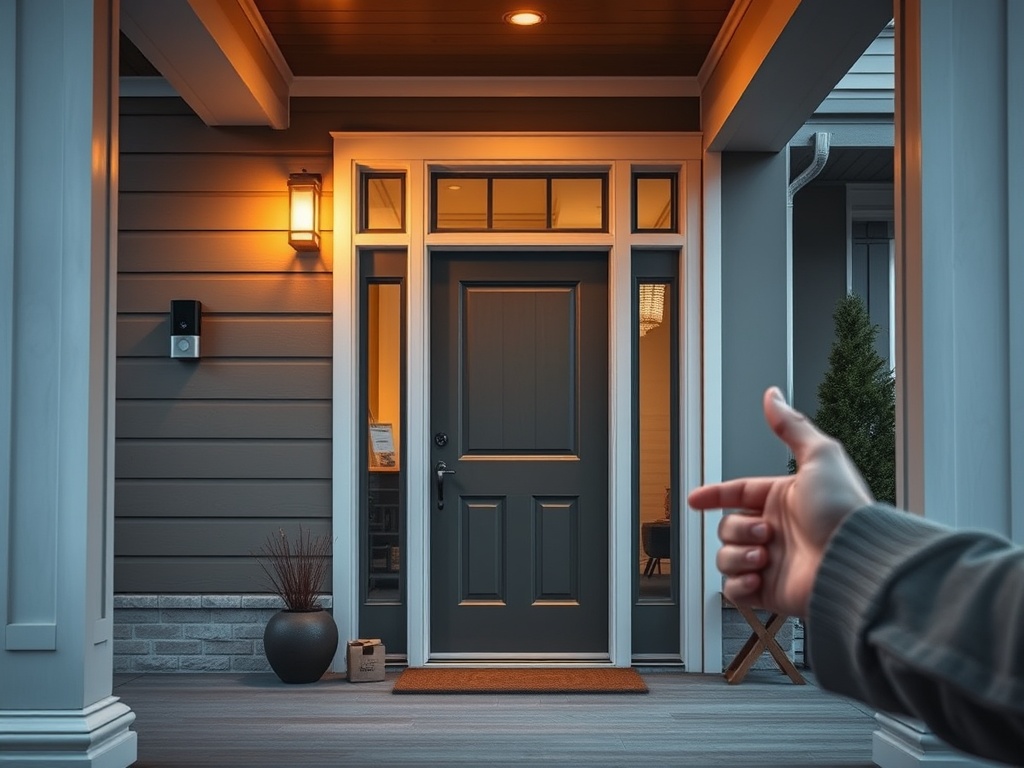
Before comparing resolution numbers or alert features, inspect the physical doorway. Is there existing doorbell wiring? Is the transformer compatible with the device you are considering? Does the wall provide enough flat mounting area? Will the camera see a visitor's face and packages near the threshold, or will a narrow porch column force an awkward angle?
A video doorbell is a network device. Test Wi-Fi at the mounting location with the exterior door closed. Brick, stone, metal doors, foil-backed insulation, distance from the router, and crowded wireless channels can weaken performance. Strong specifications still cannot compensate for marginal signal at the entry.
| Entry setup | Best-fit direction | Why |
|---|---|---|
| Existing compatible wiring and strong Wi-Fi | Wired doorbell | Continuous power avoids battery charging and can support more persistent features |
| No useful wiring or rental-friendly setup | Battery doorbell | Simplifies installation and relocation |
| Narrow porch or package-heavy doorstep | Tall or wide field-of-view model | Better chance of capturing visitors and the lower doorstep area |
| Privacy-focused household | Model with strong account security and local-storage options | Reduces dependence on cloud-only recording if that is your preference |
| Large property or weak front-entry Wi-Fi | Doorbell plus network improvement | Connectivity should be solved before feature shopping |
Best for a Fully Wired Google Home Entry: Nest Doorbell Wired 3rd Gen
Google's current comparison page lists the Nest Doorbell (wired, 3rd gen) with 2K HDR video, a 166-degree diagonal field of view, and a 1:1 aspect ratio. Those specifications make it especially relevant for an entry where you want a more square view that can include both a visitor and the doorstep. See Google's current Nest doorbell comparison for the latest feature details.
The strongest reason to choose it is ecosystem fit rather than resolution alone. If your household already relies on Google Home displays, speakers, automations, and camera history, one app and one account structure can be simpler than adding another platform. The tradeoff is that some advanced history and intelligence features are tied to paid services, so evaluate the subscription terms as part of total ownership rather than treating them as an afterthought.
Best for: homeowners with compatible wiring, strong Wi-Fi, and an established Google Home setup.
Best for Flexible Wired or Wireless Placement: Arlo Video Doorbell 2K
Arlo's current Video Doorbell 2K supports wired or wireless setup and lists a 180-degree field of view. That flexibility can help when the existing doorbell location is usable but you are not certain you want to depend on the old wiring, or when a broader view is important at a shallow porch.
A wide field of view is not automatically better. Placement still determines whether faces, steps, packages, and side approaches appear at useful scale.
Best for: entries that benefit from installation flexibility and broad front-door coverage.
Best When Local Storage Matters: eufy Doorbell Options
Some eufy doorbells emphasize local recording rather than requiring cloud storage for every use case. For example, eufy's current support information for its C31/C30 storage options describes microSD storage and compatibility with certain HomeBase systems.
Local storage can reduce cloud dependence, but you still need to consider device security, remote access, firmware support, and where the exact model stores recordings.
Best for: households that prioritize local recording and are willing to manage storage and device security carefully.
Best for an Entry Without Useful Wiring: Nest Doorbell Battery
Google's battery Nest Doorbell is designed around a rechargeable battery and can also be connected to certain existing doorbell wiring. That makes it a straightforward option where pulling new low-voltage cable would be inconvenient. The tradeoff with any battery doorbell is charging and maintenance, which vary with weather, motion activity, signal strength, and settings.
Battery installation is not the same as no planning. You still need a stable mounting surface, suitable camera angle, Wi-Fi coverage, and a charging routine. In multi-unit housing or rentals, also check lease rules, building policies, and local privacy requirements before mounting a camera in a shared corridor.
Security and Privacy Belong in the Comparison
Video doorbells record people near a home, which makes account and network security part of the product decision. The U.S. Federal Trade Commission advises buyers of connected security cameras to look for encryption, secure the home network, keep software updated, use strong unique passwords, and enable two-factor authentication when available. Its guidance on securing home security cameras is worth reading before any purchase.
Do not rely on the default setup and assume privacy is handled. Review who can access live video, how household members are invited, how long clips are retained, whether remote viewing can be limited, and what happens when a subscription ends. If the doorbell will face a public sidewalk, a neighbor's property, or a shared interior hallway, learn the rules that apply where you live.
Installation Details That Change the Recommendation
Existing wiring should be evaluated for voltage and transformer compatibility against the manufacturer's current requirements. If you are not comfortable testing or modifying low-voltage wiring, use a qualified installer. Never improvise with incompatible power supplies.
Mounting height and angle matter almost as much as the camera. A wedge or corner mount may be necessary when the doorbell sits beside a deep trim return or on a wall perpendicular to the approach path. On dark porches, consider how nearby lighting affects nighttime exposure. A bright fixture inside the camera's frame can reduce useful detail elsewhere.
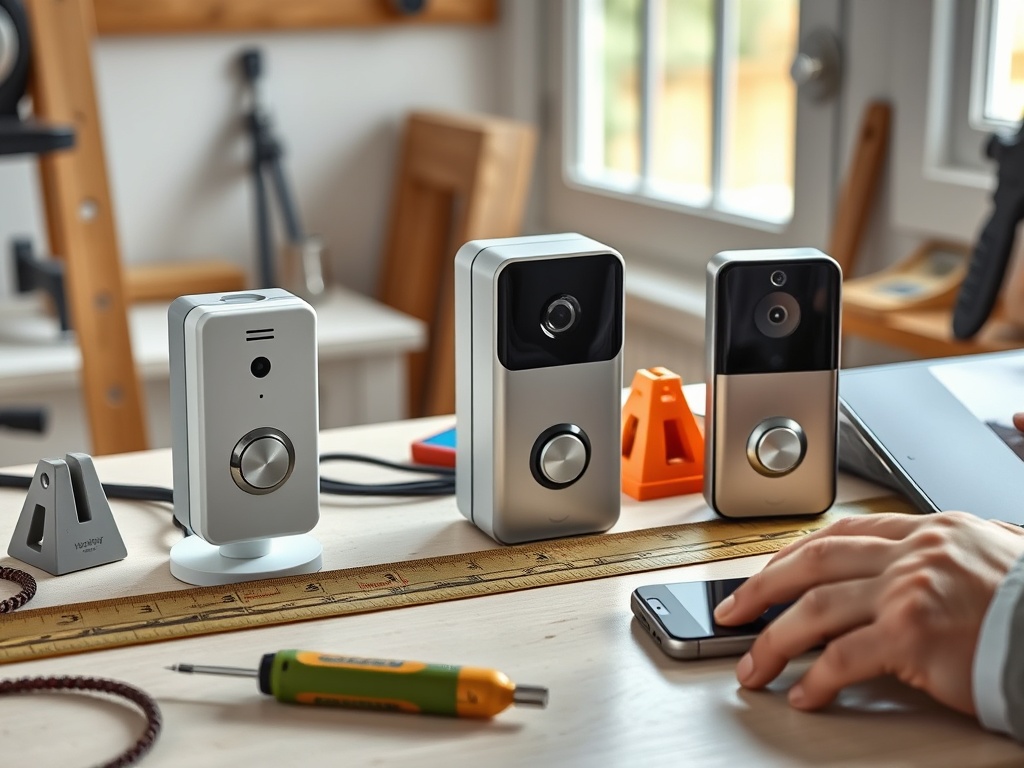
For DIY installation, a basic home tool kit for beginners can cover measuring, screwdriving, drilling in suitable materials, and small adjustments. If the entry is part of a larger renovation, coordinate visual finishes with the room's other hardware; the guide to cabinet hardware finishes offers a useful framework for mixing metals intentionally rather than accidentally.
Avoid These Buying Mistakes
Do not buy solely by resolution. Compression, field of view, lighting, lens placement, motion detection, app design, and network quality all affect what you actually see. Do not ignore subscription costs if the features you care about require a plan. Do not assume a battery device will perform identically to a continuously powered one. And do not choose a cloud or local-storage architecture without understanding how recordings are protected and accessed.
If Wi-Fi is weak at the door, improve the network rather than expecting a different doorbell to solve a connectivity problem.
Match the Doorbell to the Door
For a wired Google-centered home, the current Nest wired model is an easy shortlist candidate. For broad coverage and power flexibility, Arlo's 2K model deserves comparison. For households focused on local storage, selected eufy models offer a different architecture. For an entry without useful wiring, a battery model can avoid unnecessary electrical work.
The next step is to photograph your doorway, record the existing wiring and transformer information, test Wi-Fi at the mounting point, and compare those facts against the current manufacturer specifications before buying.
Informational note: Product specifications, subscriptions, compatibility, software support, and privacy features can change. Verify current manufacturer information and local laws before purchase or installation. Use a qualified electrician or installer when wiring or electrical conditions are uncertain.[/